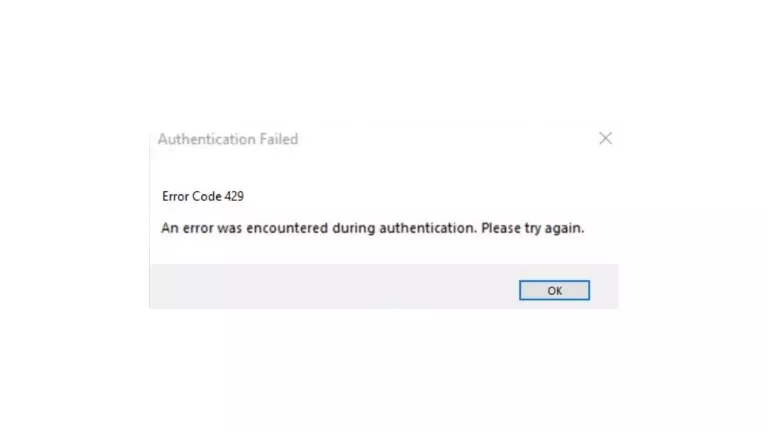
Roblox is a popular online gaming platform where you can play games made by others. Sometimes, you might encounter an error called “Error Code 429” while playing. This error can stop you from using certain features or playing games.
In this article, we will explain what Error Code 429 is, why it happens, and show you simple steps to fix it.
Understanding Error Code 429
Error Code 429 in Roblox happens when you send too many requests to the Roblox servers in a short time. It’s like overwhelming the servers with too many requests. This error can prevent you from doing things in Roblox.
Common Causes of Error Code 429
There are a few reasons why you might see Error Code 429 in Roblox. Here are some common causes:
- Sending too many requests: If you ask the Roblox servers for too many things too quickly, you might trigger the error.
- Slow Internet connection: If your internet is slow or not stable, it can cause an error.
- Problems with the servers: Sometimes, the Roblox servers might have temporary issues or be busy with maintenance, leading to errors.
- Too much traffic: If there are too many people using Roblox at the same time, it can create congestion and cause errors.
Troubleshooting Steps to Fix Error Code 429
Here are simple steps you can follow to fix Error Code 429 in Roblox:
Step 1: Check your internet connection
Make sure your internet is working properly. If you’re using Wi-Fi, try connecting your device directly to the router using a cable for a more stable connection.
Step 2: Clear your browser cache and cookies
Clearing your browser’s cache and cookies can remove any stored data that might be causing the error. You can usually find this option in your browser’s settings.
Step 3: Disable antivirus or firewall software
Sometimes, antivirus or firewall software can interfere with Roblox. Temporarily turn off these programs and see if the error goes away.
Step 4: Reset your router or modem
Turn off your router or modem, wait for a few seconds, and then turn it back on. This can help refresh your connection and fix any network issues.
Step 5: Reduce network congestion
If your network is busy with many devices or applications, try closing unnecessary programs or asking others to reduce their internet usage. This can improve your connection to Roblox.
Step 6: Contact Roblox Support
If the error still persists, you can reach out to Roblox Support for further help. They can assist you and investigate if there are any problems on their end.
Conclusion
Error Code 429 in Roblox can be annoying, but by following the simple steps mentioned in this guide, you can fix the issue and get back to enjoying your games. Remember to check your internet, clear cache and cookies, disable interfering software and contact Roblox Support if needed.
FAQs Error Code 429 in Roblox
How long does Error Code 429 last in Roblox?
Error Code 429 is a temporary error that usually goes away quickly. However, if it keeps happening, try the troubleshooting steps mentioned in this guide.
Can Error Code 429 happen on all devices?
Yes, Error Code 429 can occur on any device using Roblox, such as computers, smartphones, or gaming consoles.
Does using a VPN help fix Error Code 429?
Using a VPN might help in some cases by providing an alternate internet route. However, it’s not guaranteed to fix the error completely.
Is Error Code 429 specific to certain Roblox games?
No, Error Code 429 is not limited to specific games. It can happen while using any feature on the Roblox platform.
What information should I provide when contacting Roblox Support about Error Code 429?
When contacting Roblox Support, share details like your account username, a description of the issue, any error messages you received, and the troubleshooting steps you’ve already tried.