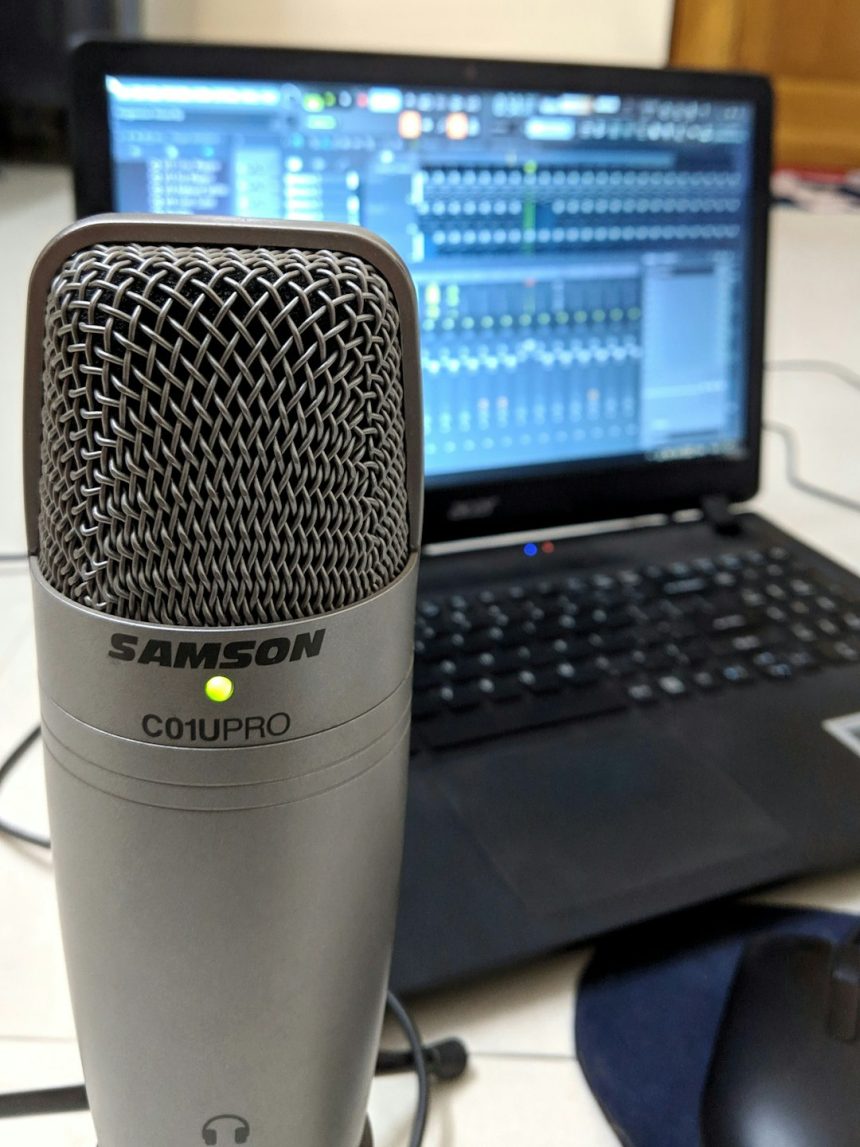
Podcasting has grown exponentially in recent years, with Spotify quickly becoming one of the most popular platforms for listeners and creators alike. Uploading your podcast to Spotify ensures greater reach and exposure, helping you connect with a global audience. Whether you’re a newbie or a seasoned podcaster, this guide will walk you through the essential steps to upload your podcast to Spotify successfully.
Step 1: Create Your Podcast
Before you think about uploading, you need to have a podcast ready. This means:
- Recording: Use quality equipment for clear audio. Consider dynamic mics and a soundproofed environment.
- Editing: Use tools like Audacity or Adobe Audition to edit out errors, add intros, and balance the sound.
- Saving: Export your episodes in MP3 format, the standard preferred by most podcast platforms.
Tip: Keep your audio bitrate around 128 kbps and ensure your files are tagged with proper metadata like episode title, number, and description.
[ai-img]podcast microphone headphones editing software[/ai-img]
Step 2: Choose a Podcast Hosting Platform
Spotify does not allow direct audio file uploads. Instead, you’ll need to host your podcast on a third-party podcast hosting provider. Some popular options include:
- Anchor: Free and owned by Spotify. It’s a great option for beginners.
- Buzzsprout: Offers a user-friendly interface with solid analytics.
- Podbean: Scalable hosting with monetization options.
- Libsyn: One of the oldest and most trusted podcast hosts.
These platforms will give you an RSS feed, a key component required for submitting your podcast to Spotify.
Step 3: Set Up Your Podcast RSS Feed
Your RSS feed acts like a digital syndication channel. It’s what Spotify uses to pull your episodes, artwork, and metadata. When setting it up, make sure:
- Your podcast has a unique name
- You’ve added episode titles and descriptions
- You have cover art at least 1400 x 1400 pixels (JPEG or PNG)
- Your podcast language and categories are properly indicated
Double-check your feed with an RSS validator tool before moving on, just to avoid any surprises.
Step 4: Submit Your Podcast to Spotify
Here comes the exciting part—actually submitting your show to Spotify! Here’s how:
- Go to Spotify for Podcasters.
- Click on “Get Started” and log in with your Spotify account.
- Paste your RSS feed URL into the provided field.
- Spotify will fetch your show details. Verify and make sure everything looks good.
- Confirm ownership by verifying your email address.
- Choose your podcast’s country, language, category, and hosting provider.
- Click “Submit”—you’re done!
Approval can take from a few hours to a few days. Once live, your podcast will be available to millions of listeners worldwide.
[ai-img]spotify app podcast show trending[/ai-img]
Step 5: Promote and Monitor Your Podcast
Now that your podcast is on Spotify, it’s time to attract listeners. Implementing promotion strategies is essential after upload:
- Social Media: Share new episodes on Twitter, Instagram, and Facebook.
- Collaborate: Work with other podcasters as guests or co-hosts.
- Use Spotify Links: Direct people straight to your episodes.
Use the analytics provided by Spotify for Podcasters to monitor your episodes’ performance—track listener demographics, locations, and average listen times. This data can help tailor your content for greater engagement.
Tips for Success on Spotify
To stand out among the sea of content on Spotify, keep these best practices in mind:
- Consistency: Release on a schedule to build audience expectations.
- Quality: Ensure crisp audio and compelling content.
- Engagement: Encourage listener questions and feedback through social channels.
- SEO: Use keywords in your title and descriptions to improve discoverability.
Conclusion
Uploading your podcast to Spotify is a relatively simple process once you have the right tools and a great show in hand. With strategic planning, the right host, and ongoing promotion, your podcast has the potential to thrive on a global stage. So hit record, share your voice, and make your mark on the Spotify podcasting world!